
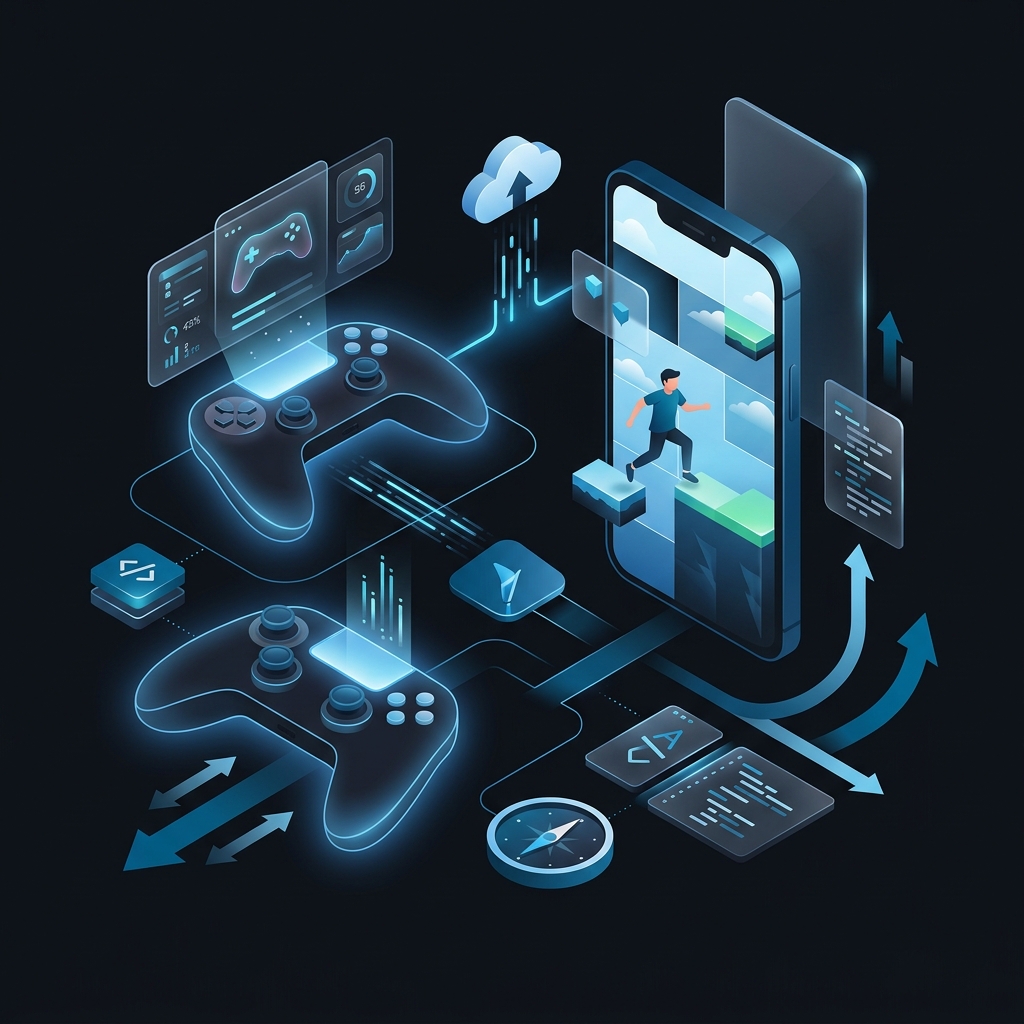
What is involved in making an iOS game in 2026?
Making an iOS game involves a specialized pipeline using Swift 6 and Metal 4 for peak performance, or engines like Unity/Unreal for cross-platform reach. In 2026, success requires optimizing for the A19 Bionic's unified memory, implementing hardware-accelerated ray tracing, and integrating on-device AI via Apple Intelligence to create immersive, 120Hz responsive experiences.
Making an iOS game is the technical process of designing, coding, and optimizing interactive software for Apple’s mobile platforms. It involves balancing high-fidelity graphics with the thermal and power constraints of devices like the iPhone 18 Pro. This discipline is the foundation of the $100B+ mobile gaming industry, requiring a blend of creative vision and low-level hardware mastery.
The mobile gaming market in 2026 is no longer a gold rush for low-effort clones. It is a sophisticated, AI-driven battlefield where technical precision and hardware optimization determine the winners. With the release of the A19 Bionic and the maturation of Metal 4, the gap between console gaming and the iPhone has effectively vanished. If you are serious about making an ios game, you are no longer just building a "mobile app." You are engineering a high-performance interactive experience. It must compete with titles using desktop-class ray tracing and spatial audio.
Apple’s ecosystem remains the gold standard for monetization. While Android has the volume, iOS has the value. For a professional ios game developer, this means the stakes are higher. Users expect 120Hz buttery-smooth frame rates. They want zero thermal throttling. They demand deep integration with Apple Intelligence. This guide provides the technical roadmap for working through ios games development in this new era. We will cover everything from the raw Metal 4 shaders to the implementation of agentic AI within your game loops.
- Modern iOS tech stack: Swift 6, Metal 4, and Unity/Unreal
- Hardware optimization for A19 Bionic and 120Hz displays
- Integrating Apple Intelligence and on-device LLMs into gameplay
- Advanced rendering: Ray tracing, PBR, and hybrid pipelines
- Data-Oriented Design (ECS) for peak mobile performance
- 2026 Monetization trends: Battle passes and premium LiveOps
1. Introduction: The Strategic Context of iOS Gaming in 2026
The definition of high-performance mobile gaming has shifted. In the early 2020s, "hyper-casual" was the dominant trend. Simple mechanics, fast development, and high churn. Today, the App Store favors "High-Fidelity Retention." Users are looking for depth. They want games that utilize the Neural Engine for procedural world-building and haptic feedback that feels like physical texture.
Why does the Apple ecosystem remain the premier choice? It comes down to hardware predictability. Unlike the fragmented Android market, Apple targets a narrow range of high-performance chips. This allows for surgical optimization. You can push the A19 Bionic to its absolute limit. You know exactly how its unified memory architecture will behave under load.
Beyond this, we are seeing a massive shift toward AI-augmented gaming. NPC behavior is no longer hard-coded state machines; it is powered by on-device LLMs that react to player intent. This guide will show you how to blend these advanced technologies into a cohesive product.
2. What is iOS Games Development in 2026?
iPhone game development in 2026 is defined by the convergence of mobile mobility and console-grade hardware. Building for the iPhone is the art of balancing extreme performance with power efficiency. The modern iPhone is a supercomputer in your pocket, but it is a supercomputer with a limited thermal envelope. If your code isn't optimized, the system will throttle the clock speed within five minutes. Your beautiful 120fps experience will drop to a stuttering 30fps. (This is the step most teams skip — and it shows.)
The Role of Apple Intelligence (AI)
Apple Intelligence has fundamentally changed the asset pipeline. Instead of shipping 10GB of pre-baked textures, modern developers use generative models to synthesize high-res assets on the fly. We are also seeing the rise of "Intent-Based Gameplay." Players can interact with the environment through natural language or complex gestures, and the game engine uses the on-device Neural Engine to interpret these actions.
Hardware: A19/A20 Bionic and M-Series
The silicon is the star of the show. With hardware-accelerated ray tracing now standard across the entire iPhone 17 and 18 lineup, the visual fidelity of iphone game dev has reached a tipping point. You can now implement real-time global illumination and complex reflections that were previously reserved for high-end GPUs.
Native vs. Hybrid
While frameworks like Ionic Framework are excellent for business applications, they are rarely the right choice for high-performance gaming. Native development using Swift 6 and Metal 4 is the only way to access the low-level hardware optimizations required for AAA-quality titles. Native code provides direct access to the GPU. Every millisecond counts. This approach guarantees that frame time is spent rendering pixels, not running a bridge.
3. Choosing Your Technical Stack: Unity, Unreal, or Native Metal?
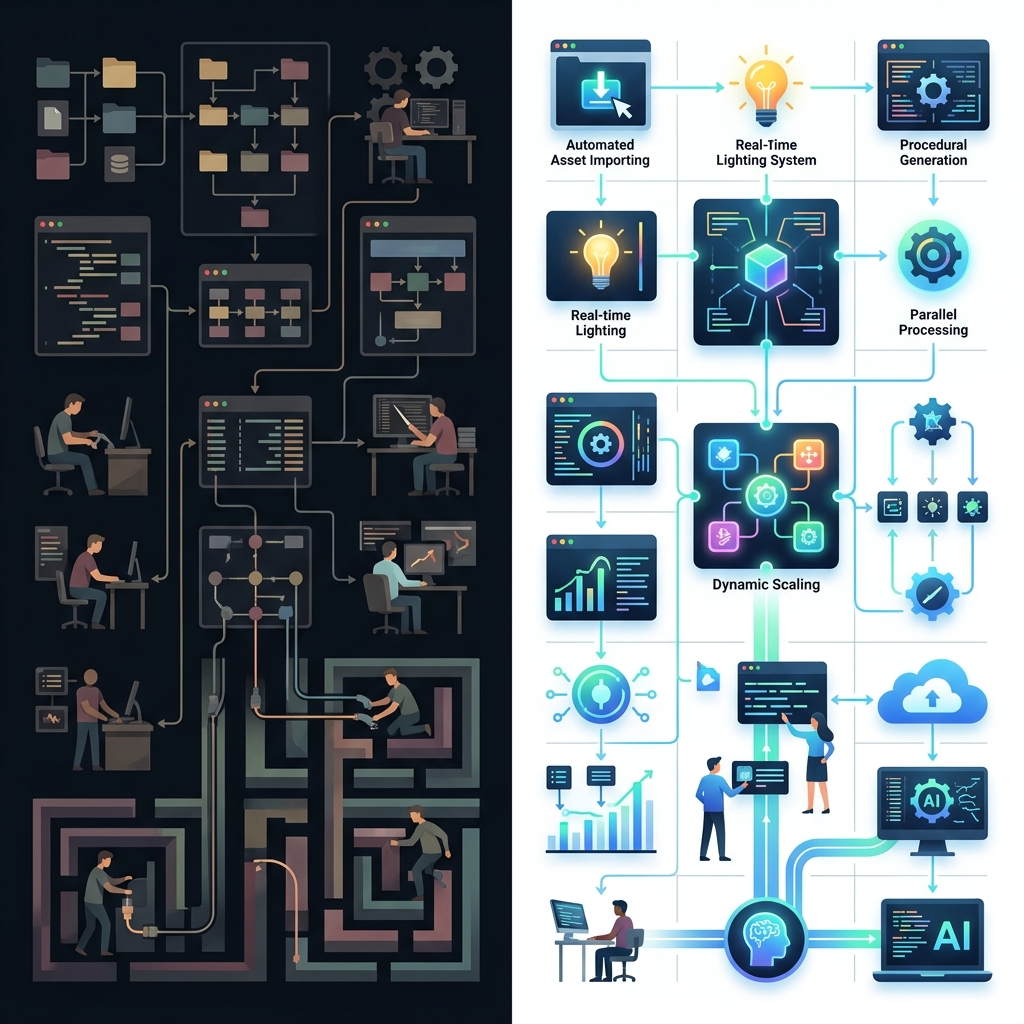
Selecting the right engine for an iOS project determines your long-term performance ceiling and development velocity. The most critical decision in making an ios game is selecting your engine. There is no "best" engine; only the engine that fits your team's skills and your game's requirements.
| Feature | Unity (2026.1) | Unreal Engine 5.5+ | Native Swift / Metal 4 |
|---|---|---|---|
| Language | C# (with Source Generators) | C++ / Blueprints | Swift 6 |
| Graphics | Universal Render Pipeline | Nanite / Lumen | Custom Metal Pipeline |
| Performance | High (with DOTS) | Maximum (for 3D) | Absolute Peak (Native) |
| Learning Curve | Moderate | Steep | Moderate to High |
| Apple Integration | Good | Moderate | Perfect (First Party) |
| Cross-Platform | Excellent | Excellent | Apple Ecosystem Only |
Unity: The Versatile Choice
Unity remains the leader for independent creators. Its "Everything is a Widget" philosophy has evolved into the Data-Oriented Technology Stack (DOTS). This allows you to handle thousands of entities without a performance hit. If you are building a complex simulation or a 2D masterpiece, Unity is hard to beat.
Unreal Engine: The Graphics Powerhouse
If your goal is to push the visual limits of the iPhone 18 Pro, Unreal Engine is the answer. Technologies like Nanite (virtualized geometry) and Lumen (dynamic global illumination) have been optimized for mobile silicon. However, be prepared for a larger binary size and a steeper learning curve.
Native Metal 4: The Purist's Path
For those who want absolute control, building directly on Metal 4 is the gold standard of ios games programming. This is where you write your own shaders, manage your own memory buffers, and optimize every draw call. This path is often chosen by boutique studios building unique, high-performance engines or by developers building specialized 2D engines that need to be ultra-lightweight.
Pro Tip: Custom Engines
If your game relies heavily on custom physics or unique rendering effects, choosing a dedicated engineer with Metal experience will save you months of fighting against the constraints of a generic engine.
4. How to Make a Game in iOS: The Core Development Lifecycle
The lifecycle of a mobile title spans from initial conceptualization to the final App Store submission process. Understanding the core pipeline requires a shift in perspective. You aren't just writing code; you are managing a pipeline of assets, logic, and user feedback.
Step 1: Conceptualization and the Game Loop
Every great game starts with a solid game loop. What is the core action the player takes? Is it satisfying? In 2026, you should also consider the "AI Loop." How does the world react to the player? Use tools like what is n8n or custom agentic workflows to prototype narrative branches and NPC logic before committing them to your C# or Swift code.
Step 2: Setting up the Environment
You need a Mac. There is no way around it if you want to create a game for ios. Xcode 17.x is the current standard, providing advanced debugging tools for Metal and the Neural Engine. Verify you are using Swift 6, as its data-race safety features are a godsend for multi-threaded game engines.
Step 3: The Asset Pipeline
Modern games use USD (Universal Scene Description) as the primary format. This allows for seamless interop between 3D modeling tools and Xcode. For audio, Spatial Audio is no longer optional. Use the Phase framework to design soundscapes that feel truly three-dimensional.
Step 4: Prototyping with SwiftData and SceneKit
For fast prototyping, SceneKit and SwiftData are your best friends. They allow you to get objects on the screen and persist state with minimal boilerplate. Once you have validated the "fun" in your game, you can then migrate the performance-critical sections to a more reliable engine or custom Metal code.
5. Building an iOS Game: Architecture and Performance
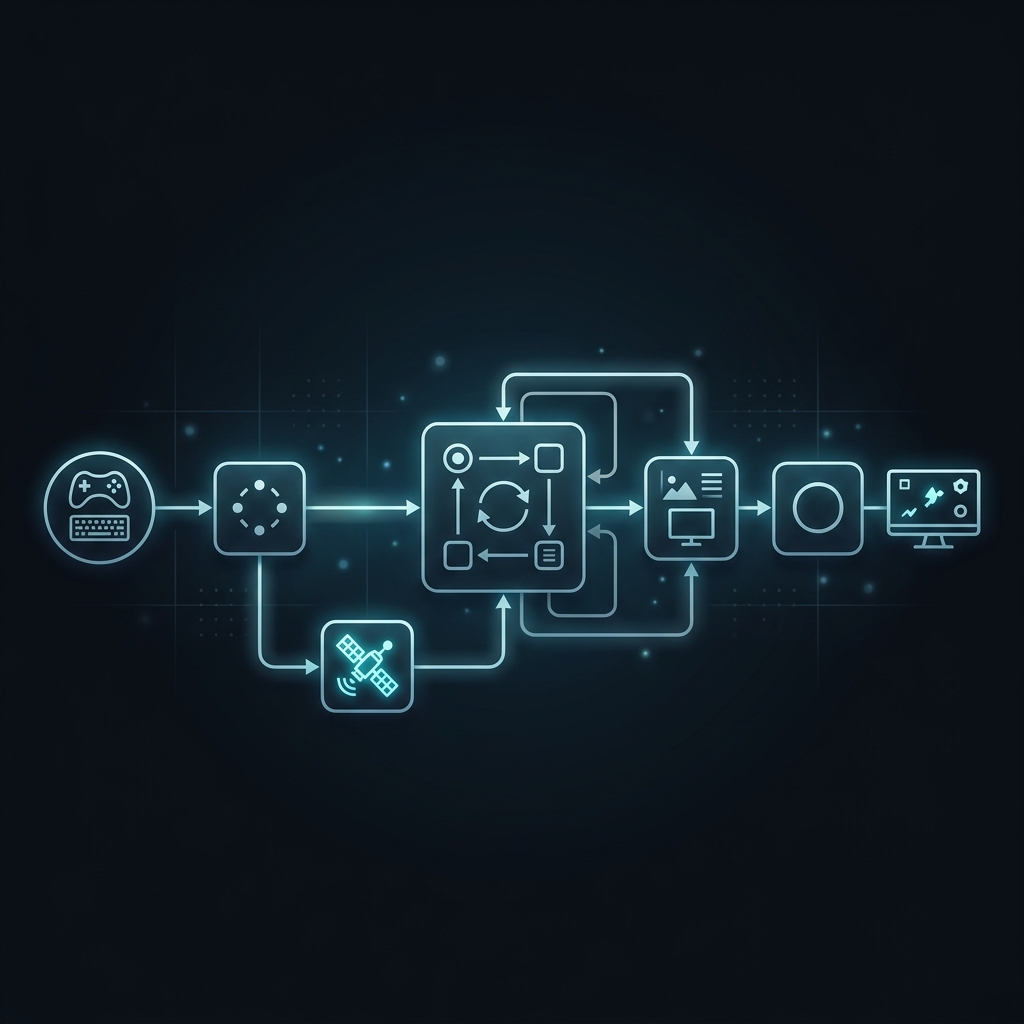
A technical architecture is the backbone of any successful mobile experience on high-performance devices. When building an ios game, architecture is everything. A messy codebase in a game isn't just a maintenance nightmare; it's a performance disaster.
MVC vs. ECS
Traditional Model-View-Controller (MVC) often falls apart in game development. The industry has moved toward the Entity Component System (ECS). In ECS, you separate your data (Entities and Components) from your logic (Systems). This allows for incredible cache efficiency. Since the CPU doesn't have to jump around memory to find related data, you can process thousands of objects in the time it would take a traditional OOP system to process ten.
Memory Management: Mastering ARC
Automatic Reference Counting (ARC) is powerful, but it's not magic. In high-performance scenarios, you must be vigilant about reference cycles. One leaked object in a game loop that runs 120 times per second will crash your app in minutes. Use the Leaks instrument in Xcode to monitor your memory footprint religiously.
Concurrency with Swift 6 Actors
Swift 6 introduces Actors, which provide a safe way to manage shared state in a multi-threaded environment. Use Actors to handle background tasks like asset loading or AI pathfinding. This guarantees that your main thread--the one responsible for rendering--never hitches. A single 16ms stutter is enough to break the immersion of your users.
High-Level Engine Flow
- Input: Capture touch, gyro, and Apple Intelligence intent.
- Logic: Run the ECS systems to update game state.
- AI: Execute Neural Engine tasks for NPC reasoning.
- Physics: Resolve collisions and spatial constraints.
- Render: Submit draw calls to Metal 4.
- Audio: Update the Spatial Audio soundscape.
The ECS Revolution: Data-Oriented Design
To truly excel at technical execution, you must embrace Data-Oriented Design (DOD). Traditional Object-Oriented Programming (OOP) is built on the idea of objects that contain both data and behavior. While this is intuitive for humans, it is inefficient for the A19 Bionic's cache. When you have an array of "Monster" objects, each with its own health, position, and AI state, those objects are scattered across memory.
In an ECS architecture, you decompose these objects. Instead of a "Monster" object, you have a "Monster" Entity ID. You then have separate arrays for PositionComponent, HealthComponent, and VelocityComponent. When the MovementSystem runs, it only touches the Position and Velocity arrays. Because these are contiguous in memory, the CPU can pre-fetch the data with nearly 100% accuracy. This is how games like Warframe and Genshin Impact achieve such high performance on mobile devices.
Memory Layout and Cache Locality
Modern developers spend more time thinking about memory layout than about the actual algorithms. The "Memory Wall" is the biggest bottleneck in mobile gaming. The CPU is vastly faster than the RAM. If your data is laid out poorly, the CPU spends 90% of its time waiting for data to arrive from the memory controller. By using ECS and ensuring your components are small and tightly packed, you minimize "cache misses" and keep the A19's execution units busy.
6. Advanced Technical Implementation: Shaders, Haptics, and Spatial Audio
Mastering advanced hardware features like haptics and spatial audio is essential for immersive gaming. To move from "good" to "great" in technical delivery, you must master the specialized hardware of the iPhone.
Custom Metal Shaders and Metal 4
Metal 4 is the API that drives the graphics. By writing custom shaders in the Metal Shading Language (MSL), you can create visual effects that are impossible with standard engine presets. Think volumetric fog that reacts to light sources, or skin shaders that simulate sub-surface scattering.
Ray Tracing on iPhone 18 Pro
Hardware-accelerated ray tracing is the "Killer Feature" of 2026. In making an ios game, you can now use MTLAccelerationStructure to build spatial hierarchies of your geometry. This allows the GPU to perform ray-triangle intersection tests in hardware. The result? Real-time soft shadows, physically accurate reflections, and global illumination.
However, ray tracing is expensive. The best strategy is "Hybrid Rendering." Use traditional rasterization for the bulk of your geometry, and use ray tracing only for the most high-impact effects--like the reflection in a character's eyes or the way light bounces off wet pavement.
The Taptic Engine: Tactile Immersion
Haptic feedback is the "hidden" UX of the iPhone. Don't just vibrate the phone; use the Taptic Engine to provide discrete, textured feedback. A sword strike should feel different than a magic spell. A heavy landing should feel "thuddy," while a UI click should feel "crisp."
Apple provides the Core Haptics framework, which allows you to design haptic "patterns." You can vary the intensity and sharpness of the feedback over time, creating a "haptic melody" that accompanies your audio. In 2026, the most successful games use haptics to provide mechanical information--like the subtle "click" when a reload is complete or the "rumble" when an ultimate ability is ready.
Spatial Audio and VisionOS Integration
With the blurring lines between iPhone and Vision Pro, your audio strategy must be spatial. Use the Phase framework to position sounds in 3D space. If a dragon is breathing fire from the left, the user should hear it precisely from that direction, with the sound changing as they turn their head.
The "Apple Vision" Ecosystem
Many studios are now building with a "Cross-Spatial" mindset. Your iPhone game should have a "Spatial Mode" that activates when the user is wearing an Apple Vision Pro. This might mean the game UI floats in the user's physical space, or the audio expands to use the headset's superior spatial drivers.
Apple Intelligence as a Gameplay Mechanic
In 2026, the modern workflow includes the integration of on-device LLMs. Imagine an RPG where you can actually talk to the NPCs. Instead of selecting from three pre-written dialogue options, you speak naturally. The game uses the Neural Engine to transcribe your speech, analyze your intent, and generate a response that is consistent with the NPC's personality and the current game state.
This isn't just a gimmick; it's a massive shift in how we think about "Game Content." By using Apple Intelligence, you can create worlds that are truly dynamic and responsive.
7. Game Development for iPhone: UX and Monetization
Strategic UX design and ethical monetization are the twin pillars of games that scale profitably. Success in game development for iphone isn't just about the code; it's about the business model.
Designing for Touch and Intent
Virtual joysticks are a necessary evil, but they should never be the first choice. Design your UX around natural gestures--swipes, pinches, and multi-touch patterns. Use the Neural Engine to detect "Intent-Based Gestures" where the game predicts what the player is trying to do based on the context of their movement. For example, a quick flick toward an enemy could automatically trigger a dash-attack if the player's health is low.
StoreKit 2 and Premium Monetization
Apple has made monetization significantly easier with StoreKit 2. The new API is Swift-native, using async/await to handle transactions. This eliminates the "callback hell" of the original StoreKit.
LiveOps Strategies for 2026
A game that doesn't change is a game that dies. Successful product management requires a reliable LiveOps pipeline.
- Seasonal Events: Every 3 months, introduce a new "Season" with a theme, new mechanics, and fresh rewards.
- Community Challenges: Use Game Center's social features to create global goals.
- Automated Personalization: Use on-device AI to tailor the difficulty curve to each player.
Mobile Gaming Retention Benchmarks (2026)
| Metric | Good | Great | Elite |
|---|---|---|---|
| Day 1 Retention | 35% | 45% | 55%+ |
| Day 7 Retention | 12% | 18% | 25%+ |
| Day 30 Retention | 4% | 7% | 10%+ |
| Avg Session Length | 4 min | 8 min | 15 min+ |
| ARPDAU | $0.15 | $0.30 | $0.60+ |
8. The AI-Driven Development Workflow
The modern workflow increasingly relies on agentic AI for asset generation and code optimization. The way we build games has changed. In 2026, a solo create a game for ios project can have the production value of a 50-person studio from 2020.
AI for Asset Generation
Gone are the days of spending weeks on a single character model. Tools like Midjourney for 2D textures and specialized 3D generative models allow you to create high-quality assets in minutes. You then use the iPhone's Neural Engine to "Up-res" these assets in real-time, ensuring they look crisp on the Super Retina XDR display.
AI for Code and Logic
Tools like Cursor and GitHub Copilot have evolved into "Agentic IDEs." You can describe a complex gameplay mechanic--like a gravity-defying grappling hook--and the AI will generate the Swift 6 code, the Metal shaders, and the physics configuration. At UseShift, we use these AI-powered content workflows. Industry estimates suggest development cycles can be accelerated by up to 400% using these agentic systems.
Automated QA and Playtesting
Manual playtesting is slow. In 2026, we use "Agentic Playtesters." These are AI agents that play your game 24/7, looking for bugs, collision glitches, and balance issues. They can simulate thousands of hours of gameplay in a single day. They provide you with a heat map of where players get stuck or where the economy becomes unbalanced.
9. Case Study: Scaling to 120Hz on the A19 Bionic
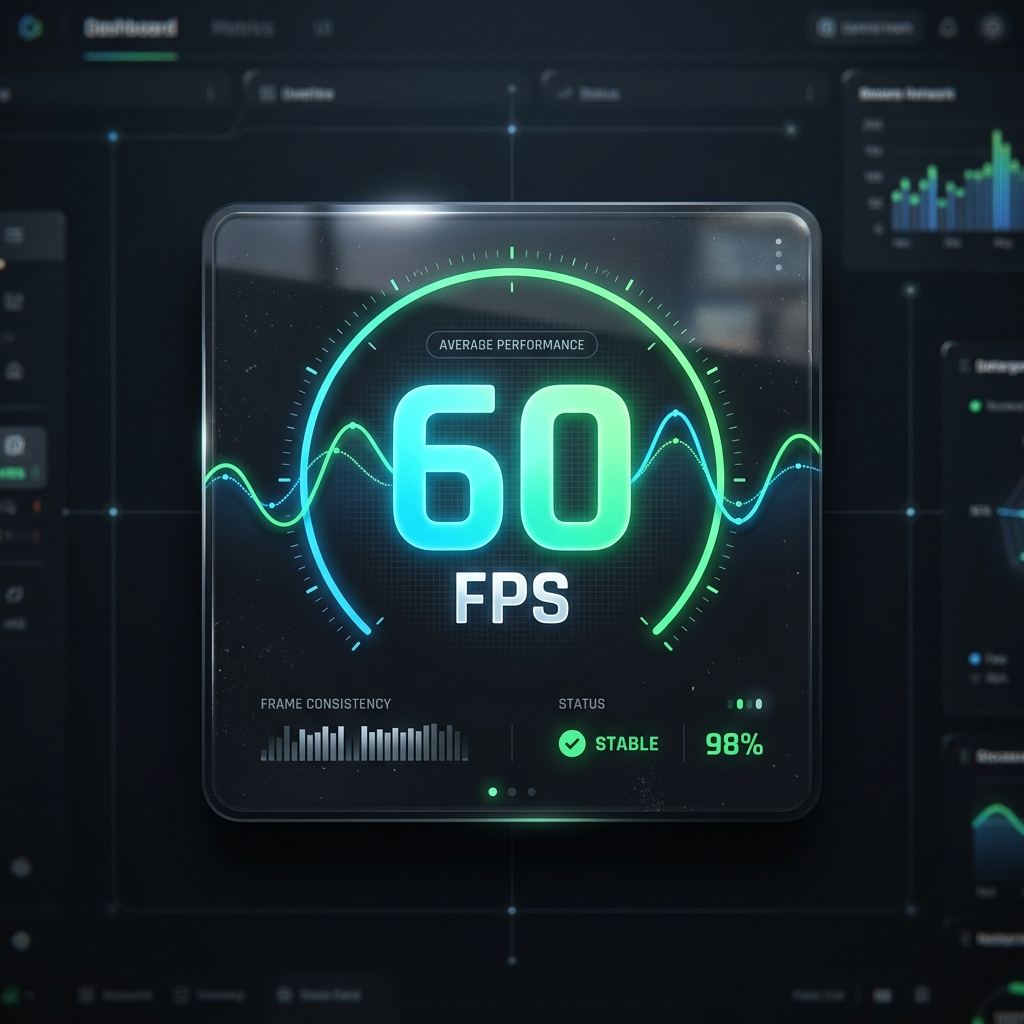
This case study examines the technical hurdles overcome while targeting a consistent 120Hz frame rate. Let's look at a practical example of how to make a game in ios that hits the 120Hz target.
The Challenge
A high-fidelity 3D action game was dropping to 80fps during heavy combat. CPU time was 6ms, but GPU time was 12ms. For 120Hz, the total frame budget is 8.33ms.
The Diagnosis
Using the Metal Debugger, the team identified that the fragment shader for the environment's water was taking 4ms per frame. The shader was over-calculating pixels hidden by other objects.
The Solution
- TBDR: Moved to a tile-based deferred rendering pipeline.
- HSR: Implemented Hidden Surface Removal to render water *after* main geometry.
- VRS: Used Variable Rate Shading in high-motion areas.
The Result: GPU time dropped to 7ms, achieving a solid 120fps.
10. Hiring and Scaling: Working with an Expert Agency
Scaling production often requires partnering with specialized engineering teams like UseShift. As your project grows, you will face a choice: do you hire an in-house engineering team or partner with an agency?
The Developer Vetting Framework
If you are hiring, use this checklist to confirm you are getting a true expert:
- Low-Level Knowledge: Can they explain memory allocation differences between structs and classes?
- Metal Experience: Have they used compute encoders for non-graphics tasks like physics?
- Optimization Mindset: Can they describe using "Instruments" to fix specific performance hitches?
- AI Literacy: Do they know how to integrate Core ML without blocking the main thread?
The Agency Partner: Why UseShift?
Partnering with UseShift allows you to scale your development speed without the overhead of full-time hires. We specialize in the technical architecture and performance optimization that separates top-tier experiences from the rest.
We don't just "build products." We build automated gaming ecosystems. From AI-driven narrative engines to high-performance Metal pipelines, we provide the senior engineering talent you need to dominate the App Store.
12. Takeaway: Your Path to App Store Dominance
Modern development is more competitive than ever, but the rewards have never been greater. By mastering the native Apple stack--Swift 6, Metal 4, and Apple Intelligence--you can create experiences that feel "magical" to your users. Remember that in 2026, performance is a feature. A beautiful game that stutters will be deleted; a smooth game with deep, AI-driven mechanics will build a loyal community.
Stop thinking about "apps" and start thinking about "engines." The hardware is ready; the tools are mature. The only remaining variable is your engineering execution.
Key Takeaways
- Performance is a feature: Target 120Hz consistency for elite user retention.
- Native is King: Use Swift 6 and Metal 4 for maximum hardware access.
- AI Integration: Utilize Apple Intelligence for dynamic gameplay and efficient assets.
- Data-Oriented Design: ECS is mandatory for processing complex 3D worlds on mobile.
Ready to build the next App Store hit?
Verify your foundation is solid before you scale. UseShift helps developers transition from manual optimization to automated, AI-driven performance pipelines.
Get Free Architecture Audit