
What are ios apps development services?
ios apps development services encompass the full engineering lifecycle of creating native applications for iPhone and iPad. This includes Swift/SwiftUI architecture, on-device AI integration, and App Store optimization. In 2026, premium services focus on 'Liquid UI' and agentic AI features that capitalize on Apple's high-performance hardware and strict security standards.
iOS apps development services is the end-to-end engineering process used to create native applications for the iPhone and iPad ecosystem. This includes everything from initial Swift architecture to App Store deployment and AI optimization. Investing in these services is essential for enterprises that want to reach the highest-spending mobile users with performant, secure software.
In 2026, the mobile software world has shifted. We no longer build just functional interfaces. We build deeply integrated, AI-native experiences that live on the user's home screen. For enterprise leaders, investing in native iOS development is no longer about "having an app"—it is about securing a presence on the most lucrative hardware platform in the world. (This is the move most competitors miss until it is too late.)
The hardware in a modern iPhone now rivals mid-range laptops. These devices feature dedicated neural engines and massive unified memory. Premium iOS development services capitalize on this power by moving heavy computations from the cloud to the device. This reduces latency. It improves privacy. It slashes recurring API costs. When a business chooses a specialized provider, they buy into a philosophy of quality. High-LTV (Lifetime Value) users expect nothing less.
- Modern iOS technical architecture including SwiftData and Async/Await
- Strategies for high-performance iOS games development
- Integrating on-device Apple Intelligence and agentic layers
- The business case for iOS vs Android development in 2026
- Enterprise-grade security and the future of Spatial Computing
How It Works: The Technical Architecture of Modern iOS Apps
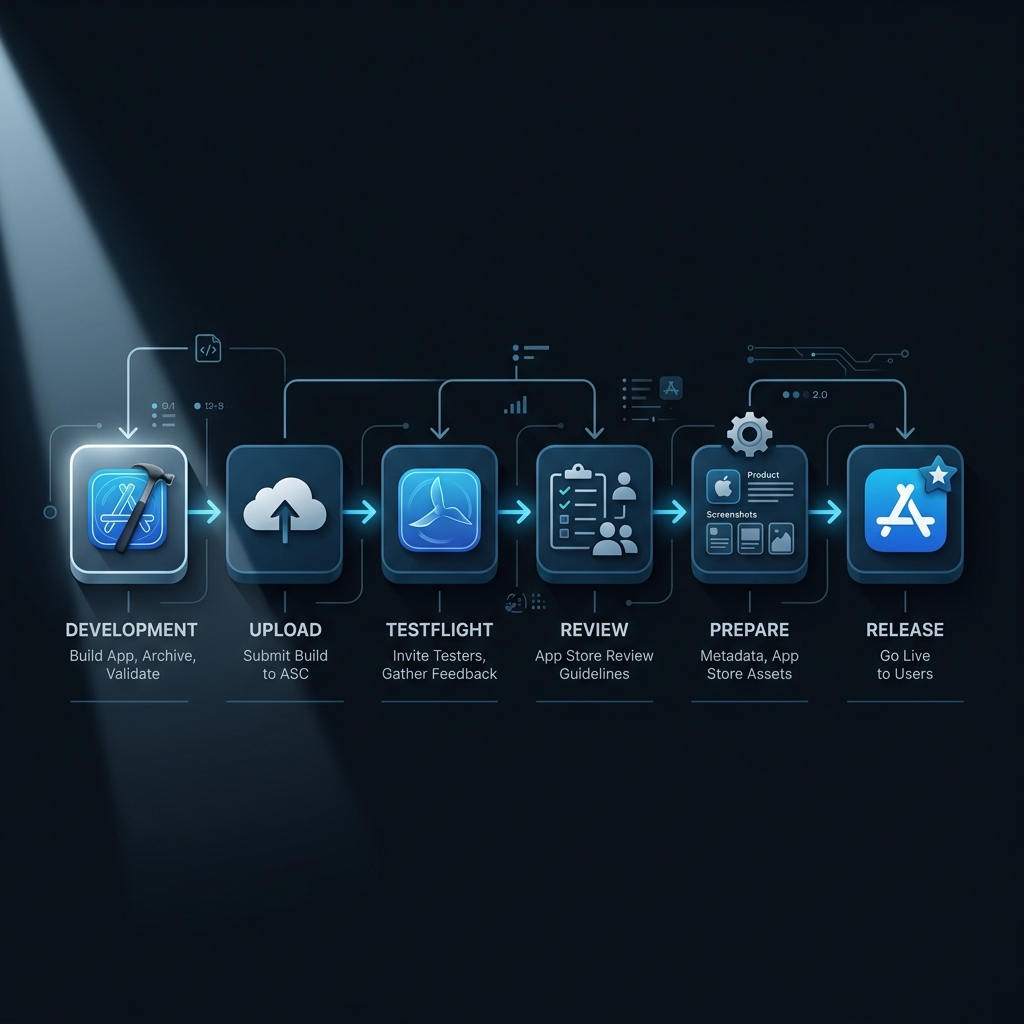
Swift and SwiftUI are the foundational pillars of modern iOS architecture. In 2026, the older "imperative" style of building apps (UIKit) has almost entirely given way to the "declarative" style of SwiftUI. This means developers describe what the UI should look like for a given state. The system handles the heavy lifting of rendering. This approach speeds up the development cycle. It reduces the bugs associated with manual state management.
SwiftData and Offline-First Persistence
Data management has evolved with the introduction of SwiftData. Replacing the older Core Data framework, SwiftData allows a team to manage local persistence with minimal boilerplate. This is foundational for "offline-first" apps. Users in 2026 expect their apps to work perfectly in a subway or a dead zone. The app must sync data silently when the connection returns. According to Apple Developer Documentation (2025): SwiftData can reduce persistence layer code by up to 50% compared to traditional Core Data implementations.
Memory Management and ARC
Understanding how iOS handles memory is what separates a junior coder from a senior engineering partner. iOS uses Automatic Reference Counting (ARC) to manage memory. Unlike languages with "Garbage Collection" (like Java or C#), ARC tracks how many objects are pointing to a specific piece of data in real-time. When that count hits zero, the memory is instantly freed.
However, this leads to a common problem called "Retain Cycles." If Object A points to Object B, and Object B points back to Object A, neither can ever be freed. This leads to a memory leak. Expert developers use "weak" and "unowned" references to break these cycles. In 2026, tools like the Xcode Memory Graph Debugger are necessary for visualizing these relationships. They verify that enterprise-grade apps remain fast even after hours of continuous use.
Concurrency: From GCD to Structured Concurrency
Modern iOS apps are highly multi-threaded. While the user interacts with the UI, the app might be downloading data, processing an image, and running a local AI model in the background. In the past, this was handled by Grand Central Dispatch (GCD), but 2026 sees the total dominance of "Structured Concurrency" (Async/Await).
Async/Await makes asynchronous code look and behave like synchronous code. It is easier to read. It is easier to debug. It prevents "Thread Starvation" where background work blocks the UI. A premium engineering team will architect their app using "Actors." This Swift feature guarantees thread safety by making certain that only one task can access a piece of data at a time. This level of technical precision prevents the random crashes that plague low-budget applications. (Most offshore teams ignore this — and it shows.)
Integrating Apple Intelligence (On-Device AI)
The most significant change in 2026 is the integration of Apple Intelligence. This suite of on-device LLMs and generative models allows apps to process natural language, summarize text, and generate images without sending data to a remote server. When you hire an expert for iOS app engineering, they must understand how to optimize "Core ML" models. These models must run efficiently on the Apple Neural Engine. This prevents battery drain and thermal throttling.
The Agentic Layer: App Intents and Siri
Modern iOS apps are no longer isolated silos. Through "App Intents," your app becomes a set of capabilities that Siri and the system-wide AI can use. For example, a travel app might expose an intent to "Book a flight to Paris." A user can then ask Siri to perform this action without ever opening the app. This is the hallmark of a "Liquid UI"—where the app’s value is accessible across the entire operating system. UseShift specializes in building these agentic layers. We verify that your software is ready for the "Siri-first" user behavior of the late 2020s.
Key Takeaways
- SwiftUI and SwiftData are the mandatory standards for enterprise iOS in 2026.
- Structured Concurrency (Async/Await) and Actors prevent race conditions and UI lag.
- Agentic layers via App Intents make your app's value accessible system-wide.
ios games development: Tapping into the App Store’s Highest Revenue Sector
ios games development remains the most profitable category on the App Store. It generates billions in annual revenue through IAP (In-App Purchases) and subscriptions. However, the technical bar for a successful iphone game dev project is higher than ever. It is not enough to have a good idea. You need a technical stack that supports high-frame-rate rendering. You need low-latency input.
Choosing the Right Engine: Unity vs. Metal
For high-performance games, an ios game developer must choose between cross-platform engines like Unity or Unreal and Apple’s native "Metal" framework. While Unity is excellent for 2D and mid-range 3D titles, "Metal" allows for "close-to-the-metal" GPU access. This is foundational for AAA-quality graphics. According to Newzoo (2025): Mobile games utilizing native GPU optimizations see 20% higher user retention rates due to smoother performance and lower battery consumption.
Physics and Animation Systems in 2026
Modern iphone game dev relies on sophisticated physics engines. Whether it is the realistic splash of water or the way a character’s hair moves in the wind, these small details create immersion. In 2026, the use of "Shaders" (small programs that run on the GPU) has become a specialized skill. An ios game developer who can write custom Metal Shaders can create visual effects that were once reserved for high-end consoles.
Additionally, "Procedural Animation" is replacing traditional keyframe animation. Instead of an artist drawing every step, the system calculates the movement in real-time based on the terrain. This makes the game feel more reactive. It feels alive. When you decide on making an ios game, you are building a complex simulation. It must run at 120 frames per second without fail.
The Role of a Pro iphone game developer
A professional iphone game developer in 2026 is part engineer and part behavioral scientist. Successful games use Game Center for social loops and ARKit for immersive augmented reality experiences. When you decide on making an ios game, the focus should be on the "Game Loop"—the core mechanic that keeps users coming back daily. Whether you want to create a game for ios that is a simple puzzle or a complex multiplayer RPG, the quality of the haptics and sound design is what separates top-tier games.
Expert teams help brands integrate gamification into their business apps. They apply the principles of ios games development to enterprise software. This increases employee engagement. It improves data entry accuracy through reward systems.
Enterprise Security & Privacy: The Apple Standard
For B2B SaaS teams, security is the price of admission. Apple’s 2026 ecosystem offers the most advanced privacy features in consumer tech. But they are only useful if your developers know how to implement them.
Private Cloud Compute (PCC)
When on-device AI isn't enough, Apple uses Private Cloud Compute. This is a breakthrough in cloud privacy. It ensures that data sent to the cloud for AI processing is never accessible to anyone—including Apple. A professional team must understand how to route requests through PCC to maintain the "stateless" nature of user data. According to Apple Security Research (2025): Private Cloud Compute has undergone more independent audits than any other cloud AI infrastructure in history.
App Tracking Transparency (ATT) 2.0
Privacy is a feature. In 2026, ATT has evolved to include more granular controls over data "fingerprinting." If your app is caught trying to bypass these controls, it will be rejected. High-end iOS development services build privacy-first architectures. They use the "Privacy Manifest" system to declare exactly why every API is used. This transparency builds trust with users. Trust leads to higher retention.
The Future of iOS: Spatial Computing and Vision Pro
The code you write for iOS today is the foundation for the "Spatial" era. Apple Vision Pro runs VisionOS, which shares a massive amount of code with iOS.
Shared Reality and Spatial Personas
By using SwiftUI and RealityKit, your app can exist in a 3D space. This isn't just for games. Enterprise teams use Spatial Computing for collaborative 3D design and remote assistance. If you architect your app correctly now, porting it to VisionOS is a matter of weeks, not months. This allows your business to be an early mover. (The first movers always win the most territory.)
Object Capture and RoomPlan
Modern iPhones can scan physical objects and rooms in 3D. Using "Object Capture," an ios game developer can turn a real-world object into a game asset in minutes. Using "RoomPlan," an enterprise app can create a floor plan of a warehouse just by walking through it. These are the "magic" features that define premium iOS software in 2026.
Monetization and Revenue: Mastering StoreKit 2
A successful app must generate sustainable revenue. In the Apple ecosystem, this is handled via StoreKit 2. This framework provides a secure way to manage subscriptions, one-time purchases, and promotional offers.
Subscriptions and the "Freemium" Model
Most modern apps use a subscription model. StoreKit 2 allows an engineering team to handle complex scenarios like "Grace Periods." If a user's credit card fails, they can still use the app for a few days while they fix it. This prevents churn. According to Business of Apps (2025): Subscription-based apps on iOS have a 4x higher customer lifetime value compared to ad-supported models.
App Store Server Notifications
To keep your backend in sync, you must use App Store Server Notifications. This makes certain that if a user cancels their subscription in the system settings, your app knows instantly. This prevents "entitlement drift." A premium team will implement a reliable server-side validation system. This protects your revenue from fraud.
User Experience: The Philosophy of "Delight" on iOS
Apple users have specific expectations. They don't just want an app that works. They want an app that feels good. This is where "Delight" comes in.
Haptics and Feedback Loops
Haptic feedback is a powerful tool. When a user successfully sends a message, a gentle "tap" provides physical confirmation. This creates a psychological feedback loop. It makes the app more satisfying.
SF Symbols and Typography
Apple’s "SF Symbols" library provides thousands of consistent icons. They integrate perfectly with the system font. Using these symbols makes certain that your iconography scales perfectly with text size. This is a key requirement for accessibility. An expert team will guarantee that your typography is legible even for users with visual impairments.
Comparison Table: ios vs android development
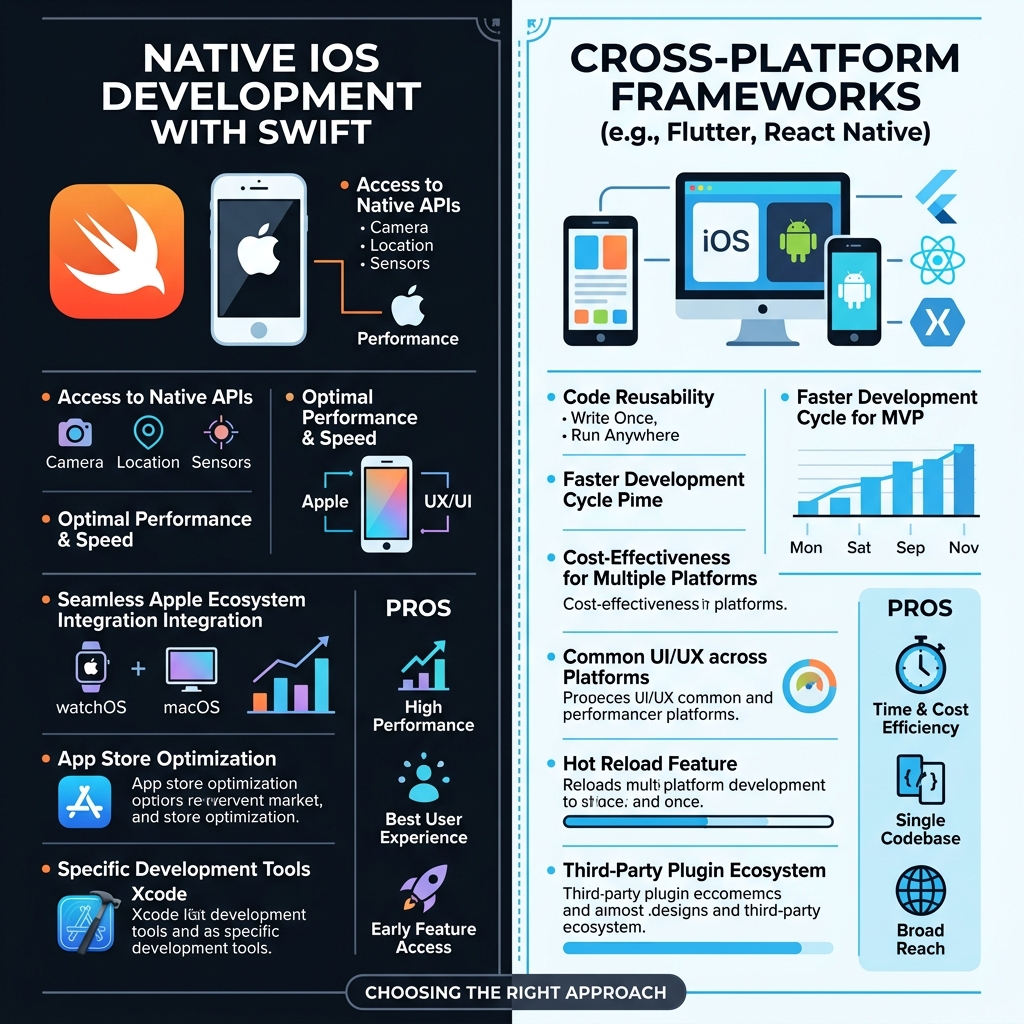
Deciding between ios vs android development is a high-stakes choice. While many choose app development ios android (cross-platform), there are distinct differences in monetization.
| Feature | iOS Development | Android Development |
|---|---|---|
| Primary Language | Swift / SwiftUI | Kotlin / Jetpack Compose |
| Monetization Strategy | Higher IAP and Subscription revenue | Ad-heavy / Higher volume of free users |
| Fragmentation | Low (few device types/OS versions) | High (thousands of device variations) |
| Privacy Standards | Strict (App Tracking Transparency) | Moderate (Google Privacy Sandbox) |
| Development Speed | Faster (Better tooling/Standardization) | Slower (Testing across many devices) |
| Hardware Integration | Deep (Unified memory/Neural Engine) | Varied (Limited by mid-range hardware) |
| Typical User LTV | High (High disposable income) | Mid-to-Low (Global mass market) |
When evaluating ios app development vs android, businesses must look at their ROI. While Android has more users globally, iOS users spend more. According to Sensor Tower (2025): The App Store generated 80% more consumer spend on non-gaming apps than Google Play. If your goal is direct revenue, developing for ios vs android is the logical first step.
Step-by-Step Guide: The Lifecycle of ios apps development services
Building a premium iOS application requires a disciplined process. A "code and ship" approach leads to rejections. Here is how UseShift manages the lifecycle.
Step 1: Discovery and MVP Mapping
We start by identifying the "Native Advantage." Does the app need the camera? The accelerometer? Local AI? If the app is just a wrapper for a website, it shouldn't be an iOS app. We map out the Minimum Viable Product (MVP) to focus on features that justify a native installation.
Step 2: HIG-Compliant Design
Apple’s Human Interface Guidelines (HIG) are the law. We design interfaces that feel familiar. This means using standard navigation patterns. An app that "feels" like a native part of the iPhone will always have higher retention.
Step 3: Iterative Sprint Cycles
Our iOS development services follow a strict agile methodology. We build in two-week sprints. We provide a working build via TestFlight at the end of every cycle. This allows stakeholders to touch the app early. (Early feedback prevents expensive pivots.)
Step 4: Quality Assurance and Stress Testing
We test for more than just bugs. We test for battery drain. We test for thermal performance. In 2026, accessibility is mandatory for enterprise-grade software. We guarantee that every user can use the app effectively.
Step 5: ASO and App Store Launch
Launch is only the beginning. We manage the App Store Optimization (ASO) process. We make certain your app ranks for its target keywords. We also set up Apple Search Ads to give the initial launch a boost.
Common Mistakes in iOS Implementation
Even experienced teams can fall into traps. Avoiding these mistakes is what differentiates a premium partner from a budget agency.
Ignoring Battery and Thermal Management
AI-heavy apps often run the GPU at 100%. This causes the phone to get hot. The battery tanks. Users will delete an app that drains 20% of their battery in ten minutes. Expert developers use "Instruments" to identify energy-intensive code paths. According to 2026 industry benchmarks: Apps that maintain a "Low Power Score" in Apple’s performance metrics report have a 30% lower churn rate.
Over-Reliance on Cross-Platform Wrappers
Using web-view wrappers is a recipe for failure. These apps feel slow. They lack the smooth animations that iOS users expect. While modern frameworks like React Native are better, they still struggle with complex hardware. For high-performance needs, always go native. You can read more about this in our Flutter vs React Native guide.
Neglecting the "First 30 Seconds"
If a user has to create an account and verify an email before they see value, they will leave. Premium iOS development services prioritize "Time to Value." Use "Sign in with Apple" to make onboarding a single-tap process. Show the value immediately.
The Business Case for Hiring an Expert
The complexity of iOS in 2026—with spatial computing and Apple Intelligence—means that generalists are often out of their depth. Hiring a specialized agency or an expert ios game developer provides strategic advantages.
Security and Compliance
For enterprise apps, security is non-negotiable. iOS offers powerful features like the Secure Enclave for biometric data. An expert agency knows how to implement these features to meet SOC2 requirements. We discuss broader AI security in our NemoClaw enterprise guide.
Future-Proofing for Spatial Computing
The code you write today can be ported to Vision Pro with minimal changes if architected correctly. By using SwiftUI, you are getting a "Spatial" app for free. This allows your business to be an early mover in the next era of computing.
ROI of Native Performance
While a cross-platform app might be 20% cheaper to build, the long-term costs of maintenance often eat those savings. Native apps have better performance. This leads to better rankings. At UseShift, we focus on the total cost of ownership (TCO).
Conclusion: Scaling with Premium ios apps development services
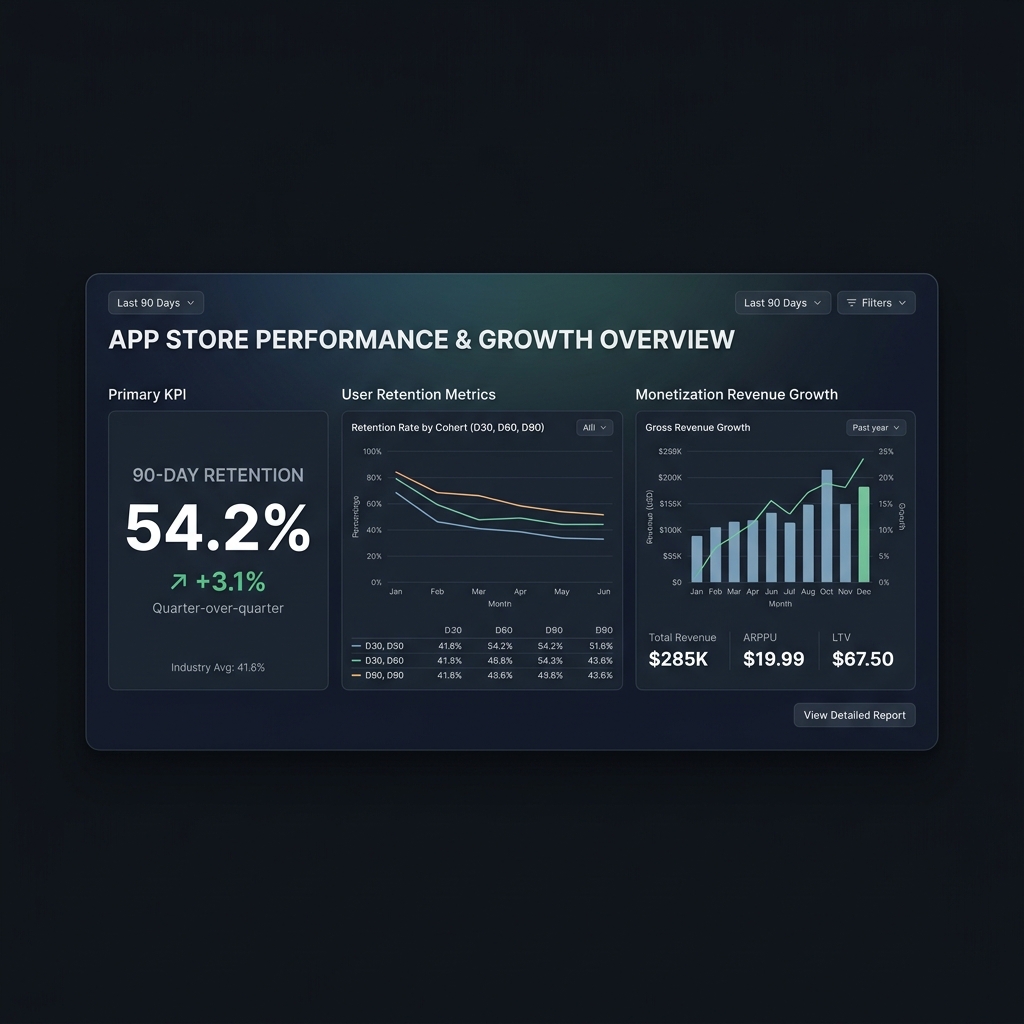
Building for iOS in 2026 is an exercise in technical excellence. The platform has moved beyond the "there's an app for that" era. It is now the "there's an agent for that" era. By utilizing SwiftData, Apple Intelligence, and SwiftUI, businesses can create software that doesn't just sit on a phone—it actively helps the user solve problems.
Whether you are looking for ios games development to capture the entertainment market or enterprise-grade iOS development services to automate your workforce, the native path is the only way to achieve maximum performance. The "Liquid UI" of the future belongs to those who master the Apple ecosystem today.
Ready to Build Your Next Category-Leading App?
Start with UseShift’s free iOS architecture audit. We help you map out your AI-native strategy.
Book Architecture AuditKey Takeaways
- Native iOS development (SwiftUI/Swift) offers the highest performance and deepest hardware integration.
- On-device AI (Apple Intelligence) is critical for privacy and latency in 2026 enterprise apps.
- iOS users have significantly higher LTV and spend compared to Android users.
- Future-proof your business by building for Spatial Computing using RealityKit today.
Last updated: March 29, 2026 | By Kristaps Jansons